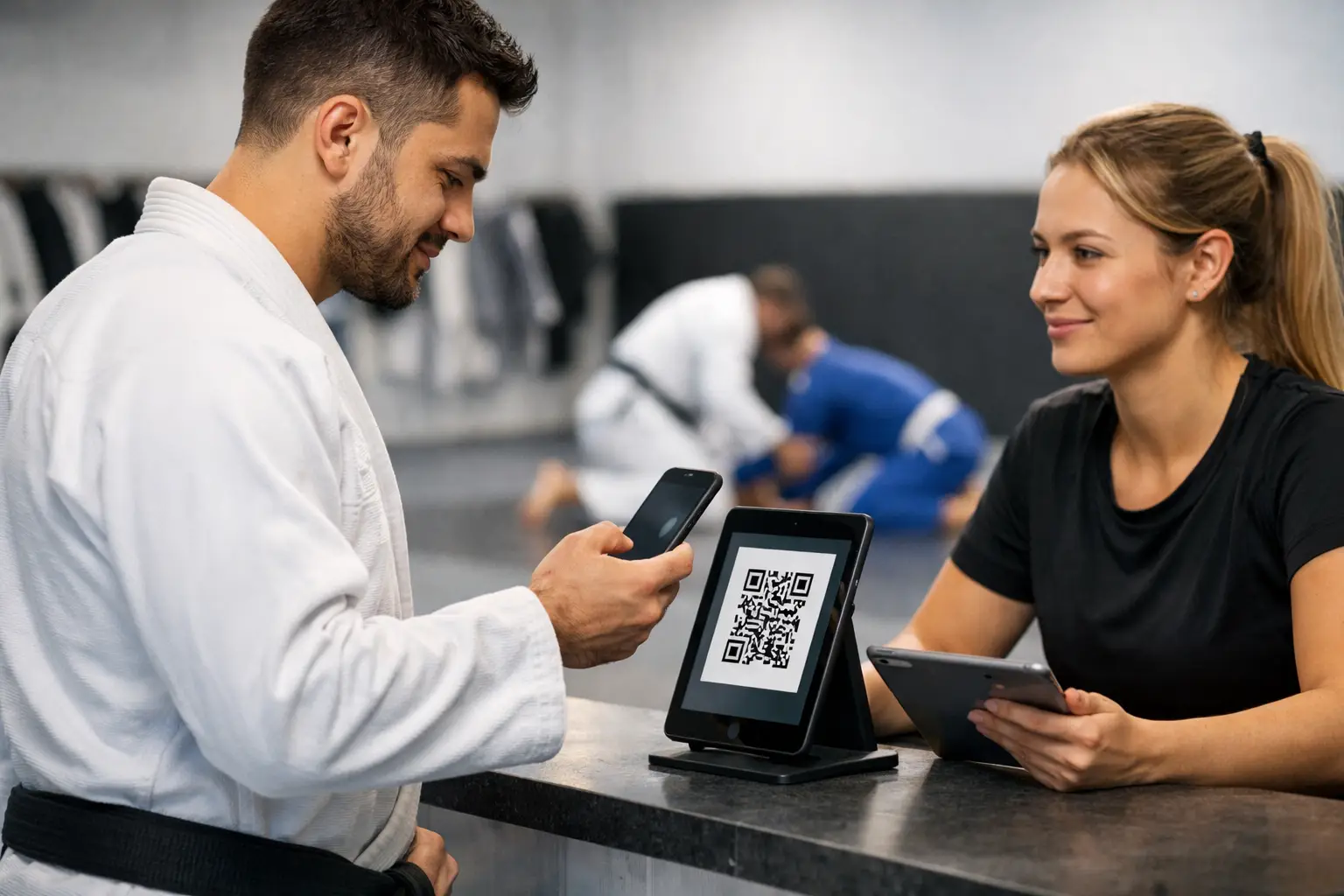
A student walks in two minutes before adult gi class, scans a code at the front desk, and heads to the mat. That simple QR code gym check in should do more than add one mark to an attendance total. It should confirm the right class, respect the student’s current membership access, create a reliable training record, and keep staff from chasing down names while warm-ups have already started.
For a Brazilian Jiu-Jitsu academy, check-in is operational data. It affects roster accuracy, family account questions, instructor visibility, retention follow-up, mat-hour records, and promotion conversations. A QR code is useful because it lets students handle the routine part themselves. The system behind it determines whether the result is trustworthy.
A QR Code Gym Check In Must Answer Basic Questions
A scan should answer three questions clearly: who is checking in, which class are they attending, and are they currently eligible to attend it? If any of those answers are unclear, the attendance record becomes less useful every week.
A general fitness studio can often treat attendance as a door count. A BJJ academy cannot. Your adult gi, no-gi, fundamentals, competition, and kids programs may have different enrollment rules. A seven-year-old should not appear on an adult roster because a parent used the wrong code. A student on a frozen membership should not be told they are active when their account needs attention. At the same time, a student in a short billing grace period may need to check in normally while staff resolves a payment issue.
That is why the check-in workflow should connect to program access and billing status without turning the front desk into a confrontation point. The goal is not to embarrass a student over a declined card. It is to give staff a clear exception to handle privately, with the right account details already available.
Design the QR Code Gym Check In Around the Class
The most dependable setup is class-specific. A student should scan a code that takes them directly to the current class check-in flow, rather than asking them to search through every program on the schedule. This reduces wrong-class entries and makes the roster useful for the instructor.
Put the code where students actually enter
Place the QR code where the transition into class happens: near the mat entrance, at the front desk, or on a dedicated kiosk. The best location depends on the academy’s traffic pattern. A small academy with one entrance may need only a printed code and a wall-mounted tablet. A larger school may use a kiosk near each mat area so the kids program and adult classes do not create a line in the same place.
Do not treat a static poster as a complete system. Codes should lead to a check-in screen that identifies the student through their portal session or a simple kiosk flow. If students need to type a full name every time, you will get duplicate names, spelling errors, and accidental check-ins under a sibling’s account.
Set a reasonable check-in window
Check-in windows keep attendance tied to the actual session. Opening check-in a little before class gives early arrivals time to get settled. Keeping it available briefly after the start accounts for traffic, school pickup, and the parent who arrives late with two kids in gis.
The right window is a policy decision. A strict competition class may need a tighter window than a busy evening fundamentals class. What matters is that the academy can configure it and explain it. If a student checks in hours after class from home, the system should not quietly count that as mat time.
Make class selection obvious when schedules overlap
Overlapping classes create the most common QR check-in mistake. Kids 1 and Kids 2 may run beside each other. Adult gi and no-gi may start at the same time on different mats. In those cases, use clear program names, start times, and instructor names on the kiosk or portal screen.
A student should see enough context to choose correctly without needing a staff member to interpret the schedule. Staff still need the ability to correct an entry, but corrections should be visible in the record. Clean data does not mean pretending people never make mistakes. It means preserving a clear history when they do.
Attendance Should Support Access, Not Create Friction
A QR check-in system works best when it handles normal members quickly and flags exceptions with discretion. The front desk should not need to manually review every scan. But it should be able to see why someone needs help: an unsigned waiver, a membership that does not include the class, a payment issue beyond the academy’s grace policy, or a student who is not enrolled in that program.
This is especially important for households. A parent may pay for multiple children, each with a different program schedule and waiver status. The check-in experience needs to identify the correct child, while staff can still view the household relationship when a question comes up. A parent should not have to explain the same family billing arrangement at every class.
Cross-training adds another layer. In a connected group of academies, a student may train at a second location under an approved arrangement. Their attendance should follow them where appropriate, while the home academy remains clear. The same student should not become a duplicate record simply because they scanned a code at another mat.
Give Coaches Better Promotion Evidence, Not Promotion Automation
Reliable attendance is valuable because it gives coaches a more complete picture of consistency. It can show class frequency, training streaks, program participation, and accumulated mat time. For kids programs, it may also help staff spot a student who has quietly stopped attending before that absence becomes a cancellation.
But attendance is not a belt system. A student can log many classes and still need work on technical standards, safety, composure, or competition readiness. Another student may train irregularly because of shift work yet show excellent development when present.
Use QR check-in data as one input into a promotion conversation, not as a promotion trigger. Serious academies need configurable standards for adult gi, no-gi, and kids belts and stripes, plus the ability to account for age eligibility and program-specific requirements. Promotions should stay manual, with a full audit trail showing what was awarded, by whom, and when.
That protects the coach’s authority while making the process easier to explain. When a student or parent asks what progression looks like, the academy can point to clear expectations instead of relying on vague impressions or a spreadsheet only one person understands.
Build an Exception Process for Real Academy Life
No check-in method removes the need for human judgment. Phones die. A new student arrives before their portal is set up. A parent forgets a password at kids class. An instructor may need to add a visitor or correct a missed scan after reviewing who was on the mat.
Give staff a simple way to handle those cases without abandoning the process. Manual check-ins should be allowed for authorized roles and recorded as manual adjustments. A clear audit trail is more useful than forcing everyone into a workaround that leaves no record.
The same principle applies to waivers. A new trial student may be eager to train, but the academy needs a current signed waiver before they step onto the mat. The check-in flow can surface that requirement early, rather than leaving the instructor to discover it after class begins.
Roll Out QR Check-In Without Disrupting Classes
Start with one program block for a week, ideally one with predictable attendance and staff coverage. Watch what happens at the actual rush points: five minutes before evening adults, the turnover between kids groups, and the first few minutes after a weekend open mat begins.
A practical rollout needs four decisions:
- Choose a check-in location that does not block the mat entrance or the front desk.
- Set class windows that match how early students arrive and how often late arrivals occur.
- Train staff on exception handling, including manual entries, waiver holds, and billing conversations.
- Tell students and parents what the scan is for: accurate rosters, faster arrival, and a better record of their training.
Do not measure success only by the number of scans. Compare scanned attendance to the instructor’s real roster for the first several weeks. Look for patterns: a class that is regularly selected by the wrong students, a code that is hard to access during peak traffic, or a billing rule that creates unnecessary staff interventions.
ControleHQ treats kiosk, portal, and QR check-in as connected academy operations, so the attendance record can sit alongside schedules, program access, waivers, billing status, and progress data rather than living in a separate app.
The right QR code setup should become almost invisible to regular students. They scan, train, and move on. Behind that quick action, the academy gains a more accurate picture of who is on the mat, where staff attention is needed, and how each program is actually running. That is the standard worth building toward: less administrative noise before class, and better decisions after it.